Save a video inside TikTok and the copy you get has the TikTok logo and the creator's username bouncing around the frame, plus a few seconds of end card tacked on. That is fine for a quick share in a group chat. It gets in the way when you want to keep a clip, watch it on a bigger screen, repost one of your own videos to Instagram or YouTube, or study an edit frame by frame.
The good news is that the clean file already exists. TikTok only adds the overlay when it renders the copy you save, so the original stream never had it. Below is why the watermark is there, how the in-app save differs from a clean copy, which link to copy, which format to pick, where the file lands on your phone, and how to fix a video that refuses to download. If you just want the file, our TikTok downloader does it in a few seconds.
In this guide
- Why TikTok adds a watermark
- In-app save vs a clean copy
- How to save a TikTok without the watermark
- Copying the right link
- Video, MP3 or cover image: which one to pick
- Saving TikTok photo slideshows
- Where the file ends up
- When a TikTok video won't download
- Backing up and reposting your own TikToks
- What to do with the file next
- Removing the watermark does not remove the credit
- Frequently asked questions
Why TikTok Adds a Watermark
When you tap Save video in the TikTok app, you do not get the file the creator uploaded. TikTok renders a new version with its logo and the creator's handle burned into the picture. Partway through the clip the overlay jumps to a different corner, so it cannot simply be cropped out, and an end card with the TikTok logo is added at the end.
The reason is attribution and promotion. Wherever the clip travels, to WhatsApp, Instagram or a news site, people can see that it came from TikTok and who made it.
The cost is that the overlay is permanent. It sits on top of captions, faces and on-screen text, and the only ways to hide it afterwards are cropping or blurring part of the frame. Neither looks good. Getting the original MP4 stream avoids the problem, because that file never had the overlay added.
In-App Save vs a Clean Copy
Both give you an MP4, but they are not the same file:
| Feature | TikTok "Save video" | Clean copy (no watermark) |
|---|---|---|
| Logo and username | Burned into the picture, moves around | None |
| End of the clip | Extra seconds with a TikTok end card | Ends where the video ends |
| Quality | No choice | Several options, from HD to small files |
| Audio only | Not available | MP3 from 320 kbps down to 64 kbps |
| Available when the creator turned off downloads | No | Yes, for public videos |
For sending a clip to a friend, the in-app save is fine. For anything you plan to keep, edit, repost or watch on a TV or laptop, the clean copy is the better file.
How to Save a TikTok Without the Watermark
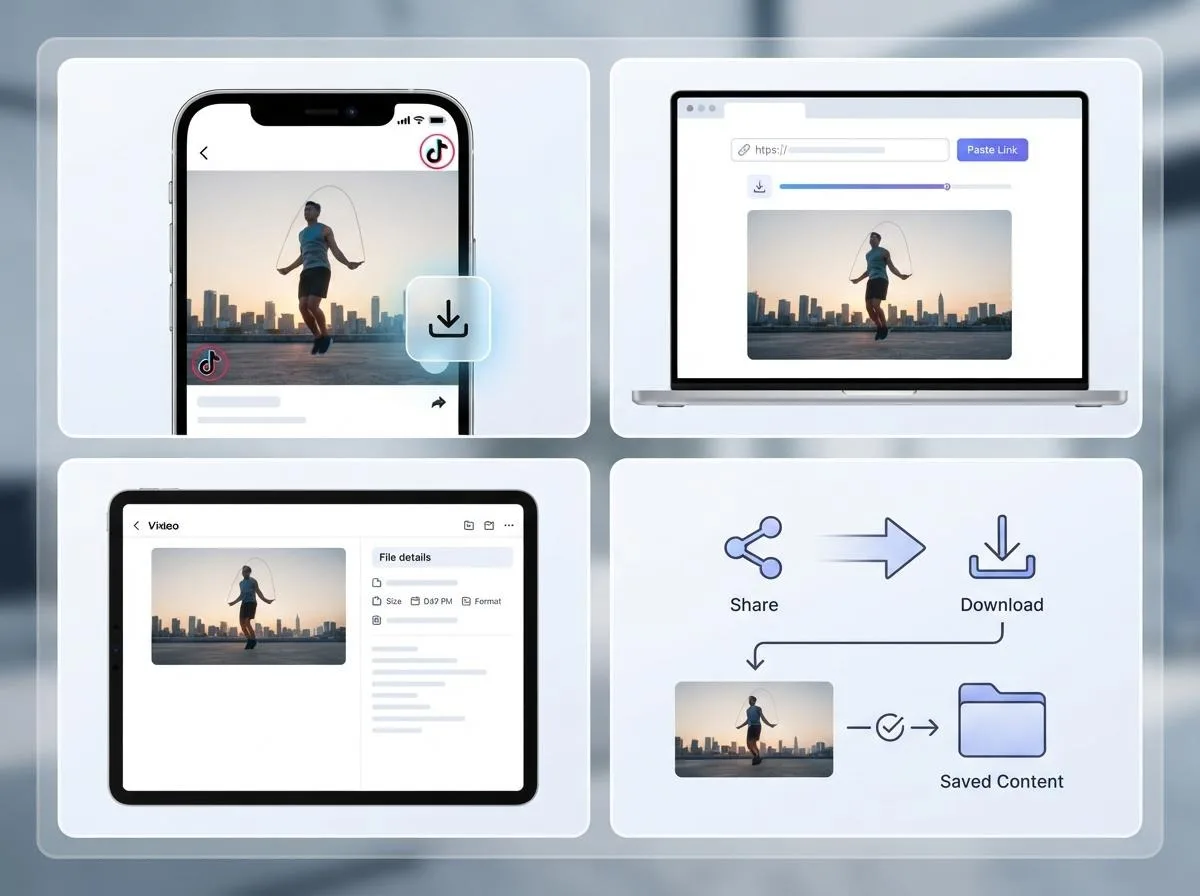
The steps are the same on iPhone, Android, Windows and Mac, and you do not need an app or an account:
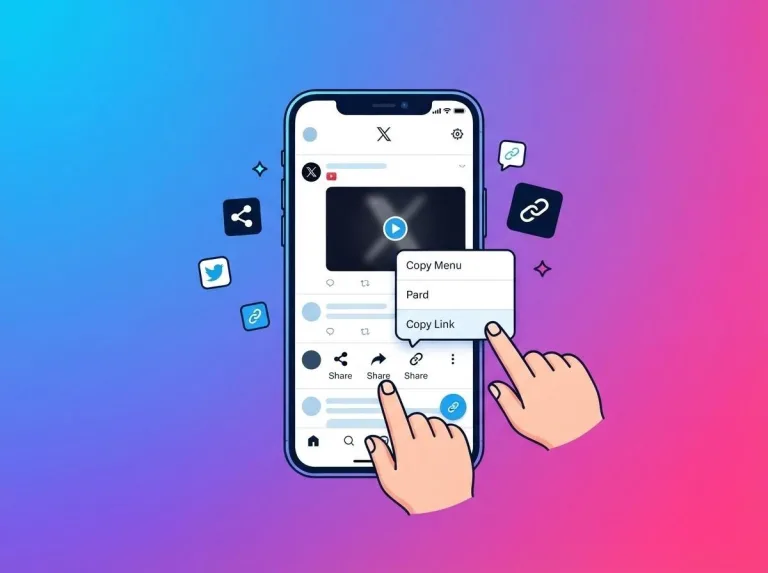
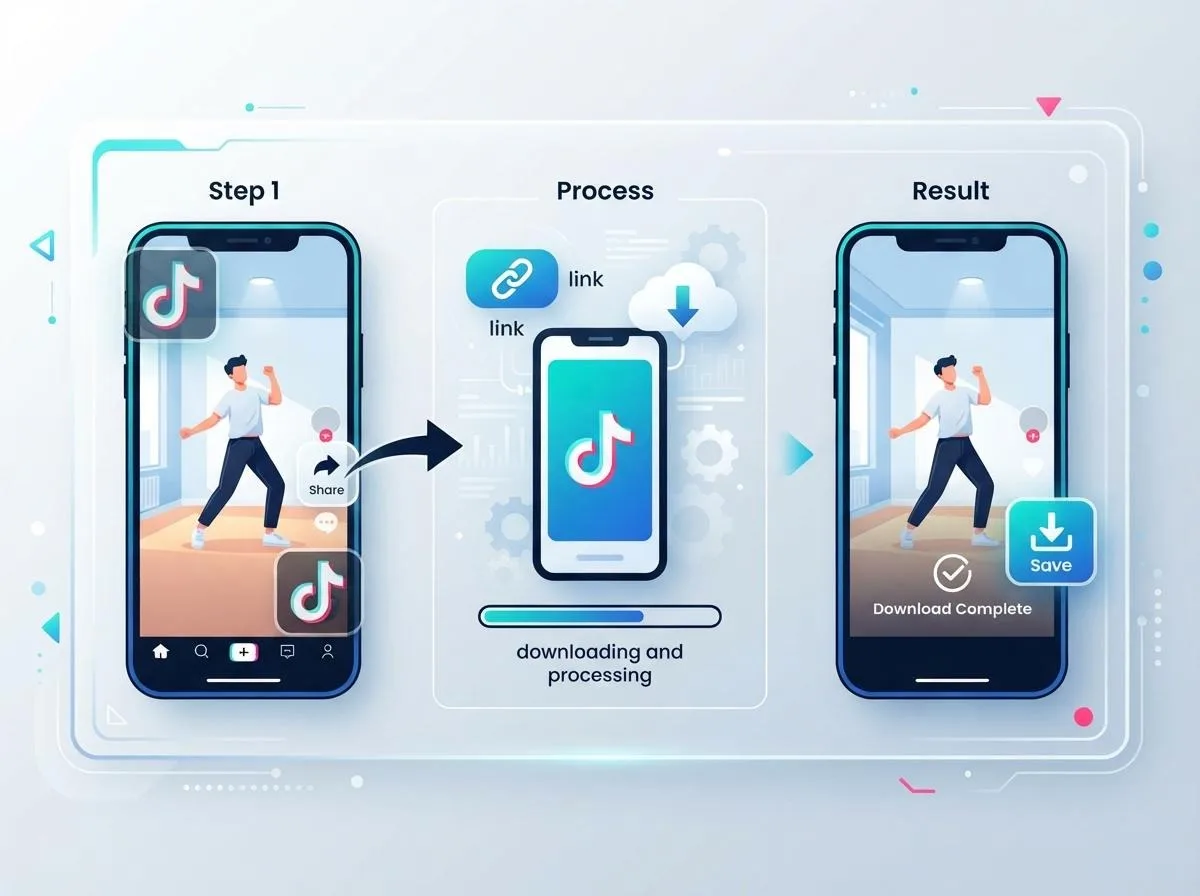
- In TikTok, open the video, tap Share and choose Copy link.
- Open our TikTok video downloader in any browser and paste the link.
- Choose Video (No Watermark) and the quality you want, then download.
That is all there is to it when things work. Most of the questions people actually run into are about the details around those three steps: which link to copy, which format to choose, where the file went, and why a particular video fails. The rest of this guide covers those.
If you save videos from several apps, you can also paste links on our free online downloader home page, which detects whether a link is from TikTok, Instagram or YouTube on its own.
Copying the Right Link
Almost every failed download comes down to the link, not the video.
Short links and full links both work
Links copied from the app usually look like vm.tiktok.com/ or vt.tiktok.com/ followed by a short code. Links from a desktop browser are longer, in the form tiktok.com/@username/video/ followed by a long number. Both point to the same video.
Copy one video, not a page
A link to a profile, a hashtag, a sound page or search results is not a link to a video. Open the specific post first, then copy its link.
On a computer
On tiktok.com, click the video so it opens on its own page, and the address bar shows the full video link. If you are scrolling the For You feed, the address bar may still show the feed, so use the share arrow next to the video and choose Copy link instead.
Links shared in other apps
A TikTok link sent through WhatsApp, Messenger or email usually works as is. Some apps add text before or after the link when you copy the whole message, such as "Check out this video". Paste only the part that starts with https://.
Video, MP3 or Cover Image: Which One to Pick
A TikTok link can give you three different files:
| Option | What you get | Good for |
|---|---|---|
| Video (No Watermark) | Clean MP4 in several qualities | Watching offline, keeping a copy, editing, reposting your own videos |
| MP3 | Audio only, 320 kbps down to 64 kbps | Songs, sounds, voiceovers, short podcast clips |
| Cover Image | The video's thumbnail as a JPG | Previews, notes, mood boards |
Which video quality?
Pick the top option unless you have a reason not to. Most TikToks are short, so even the HD file stays small. A lower quality makes sense only if your phone is nearly full or you are on a slow mobile connection.
Which MP3 bitrate?
320 kbps is the right choice for music. Lower bitrates are fine for speech and take less space. To turn a sound into a ringtone, see our guide to converting videos to MP3 and making ringtones, and use the audio cutter and ringtone maker to trim it in your browser.
A note on sounds
Many TikToks use licensed music or another creator's original sound. Saving a sound to listen to again is one thing, but the song still belongs to the artist, so keep it for personal listening.
Saving TikTok Photo Slideshows
Photo slideshows are often recipes, travel tips, outfit ideas or step-by-step tutorials, and they are awkward to keep with a screen recording. Paste the slideshow's link the same way as a video and you can save the individual photos instead.
Having each photo as a separate image is more useful than a recording: you can zoom in, keep the set together in your gallery and read small text. If you need a different format, the image converter turns them into PNG or WebP, and the social media image resizer fits them to another size.
Where the File Ends Up
This is one of the most common questions, especially on iPhone, where a downloaded video does not appear in Photos automatically.
- iPhone and iPad: Safari saves downloads to the Files app, in the Downloads folder. Open the video there, tap the share icon and choose Save Video to move it into Photos. If Safari opens the video in a player instead of saving it, tap the share icon in the player and choose Save to Files or Save Video.
- Android: open the Downloads folder in your Files app, or the download list in Chrome. Your gallery app usually picks the video up after a moment.
- Windows and Mac: the file goes to your default Downloads folder.
When a TikTok Video Won't Download
If a video cannot be found or saved, match what you see with the likely cause:
| What happens | Likely cause | What to do |
|---|---|---|
| "Video not found" right away | The account is private, or the video is set to friends only | Only public videos can be saved. Ask the creator to send you the file. |
| The link opens in TikTok but nothing downloads | The video was deleted or made private after the link was shared | Nothing to download any more. The page may still open, but the video is gone. |
| Error even though the video is public | The link is cut off, has extra text, or points to a profile or sound page | Copy the link again from the Share menu of the video itself. |
| The video plays but does not save on iPhone | Safari opened it in a player instead of downloading it | Tap the share icon and choose Save to Files or Save Video. |
| Downloads stop working after many in a row | Too many requests in a short time | Wait a little and try again. Normal personal use has no limit. |
A quick test: open the link in a private browser window without logging in to TikTok. If you cannot watch the video there, it is not public, and no downloader will be able to save it.
Backing Up and Reposting Your Own TikToks
Many people looking for a clean download are creators who want their own videos back, either as a backup of everything they have posted or to share the same clip on Instagram Reels and YouTube Shorts.
The watermark matters most here. Instagram has said that Reels carrying another app's logo are shown to fewer people, so a repost with the TikTok overlay starts at a disadvantage. A few tips:
- Use the original recording if you still have it. It has not been compressed by TikTok, so it is the sharpest version. A clean download is the next best thing when the original is gone.
- Back up regularly. If you rely on TikTok as the only copy of your videos, a deleted post or a lost account takes them with it. Saving clean copies of your best videos as you go is much easier than doing it all at once later.
- Check text and stickers. Captions, stickers and on-screen text you added inside TikTok's editor are part of the video, so they stay in the clean copy. Only the TikTok logo and username overlay are missing.
For the other platforms, our guide to downloading YouTube Shorts in HD and the Instagram Reels, Stories and photos guide cover the same process.
What to Do With the File Next
Once the clean MP4 is on your device, a few of our free browser tools are handy. They run on your own device, so your files are not uploaded anywhere.
- The video frame grabber saves a single frame as an image. Without the watermark, you get a clean still.
- The video to MP3 converter pulls the audio out of a video you already saved.
- The image converter changes the cover image from JPG to PNG or WebP.
If you save videos from other apps too, our guide to downloading videos from any social media platform covers Instagram, YouTube, X and Facebook.
Removing the Watermark Does Not Remove the Credit
The watermark exists to show who made the video, and that still matters once it is gone. Save other people's TikToks for personal use: watching offline, keeping a favorite, studying an edit. Do not re-upload someone else's video as your own. If you want to share it, share the original TikTok link so the creator gets the views. Our terms of service and DMCA page explain the rules in more detail.
Frequently Asked Questions
Why does my saved TikTok have a watermark?
Because the in-app Save video button gives you a version TikTok rendered with its logo and the creator's username added. The original video stream does not have the overlay, which is why a downloader can give you a clean copy.
Can I remove the watermark from a video I already saved?
Not cleanly. The overlay is part of the picture and moves between corners, so you would have to crop or blur the frame. It is much better to download the clean copy again from the video's link.
Does it work on iPhone?
Yes. Open the downloader in Safari, paste the link and download. The video goes to the Files app, and you can move it to Photos with the share button.
Can I save only the sound from a TikTok?
Yes. Choose the MP3 option and pick a bitrate between 320 and 64 kbps. Use 320 kbps for music.
Why does the downloader say it cannot find the video?
The video is usually private, friends only or deleted, or the link was copied incompletely. Open the link in a private browser window. If you cannot watch it there, it cannot be downloaded.
Are downloaded videos stored on your servers?
No. Files are not stored on our servers.
Is it legal to download TikTok videos?
It depends on where you live and what you do with the file. Saving a public video to watch later is personal use, while re-uploading someone else's video without permission can infringe their copyright. Your own videos, or videos you have permission to use, are always the safe choice.
The watermark is something TikTok adds when you save, not something the video was made with, so a clean copy is always one link away. Copy the link from the video's Share menu, pick the format that fits what you want to do with it, and if something goes wrong, the link is almost always the place to look first. When you want to show the video to someone else, send them to the creator's original post.