Social media is where most of today's best videos live: tutorials on YouTube, recipes on Instagram, comedy on TikTok, breaking news on X and family moments on Facebook. But none of these apps make it easy to keep a copy for yourself. Videos get deleted, accounts go private and internet connections fail exactly when you need a clip. This guide explains, step by step, how to download videos from every major platform in 2026, which formats and qualities to pick, how to save audio as MP3 and how to stay safe while doing it.
Everything below works with our free online tools. There is nothing to install, no account to create and no watermark added to your files. You can follow along on an iPhone, an Android phone, a Windows PC, a Mac or a Chromebook.
Why download social media videos at all?
Streaming is convenient, but a local file is reliable. Here are the most common reasons people save videos:
- Offline viewing on flights, trains and in places with poor coverage.
- Saving mobile data by downloading once on Wi-Fi instead of streaming the same clip again and again.
- Keeping your own content. Creators often want a clean copy of their Reels, TikToks or Shorts to back them up or repost them elsewhere.
- Studying and teaching. Teachers and students keep lectures and tutorials available even when a video is removed.
- Editing and research. Journalists, marketers and editors need the original file to quote, analyse or cut a clip.
Whatever your reason, always respect copyright: download your own videos, content that is licensed for reuse, or videos you have permission to save. We cover the legal side in more detail at the end of this guide.
The universal 3-step method
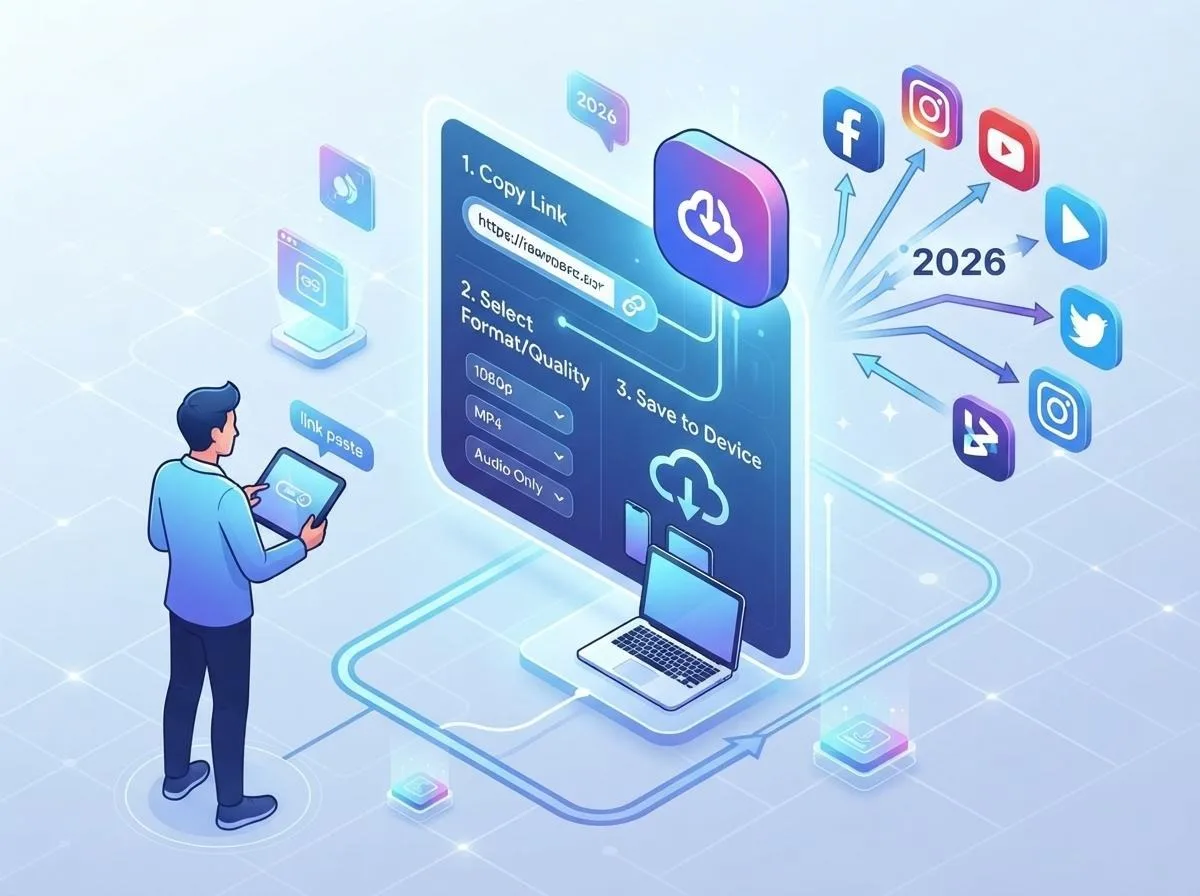
Every downloader on our site works the same way, so once you learn it you can use it everywhere:
- Copy the link. Open the video in the app or website, tap Share and choose Copy link. On a computer you can also copy the address from the browser bar.
- Paste it into the downloader. The platform and content type (video, Short, Reel, Story, photo, profile picture) are detected automatically.
- Pick a format and download. Choose MP4 for video, MP3 for audio or JPG for images, then tap Download. The file is prepared and saved straight to your device.
Try it right here, with every supported platform in one box:
Platform by platform: what you can download
YouTube: videos, Shorts, MP3 and thumbnails
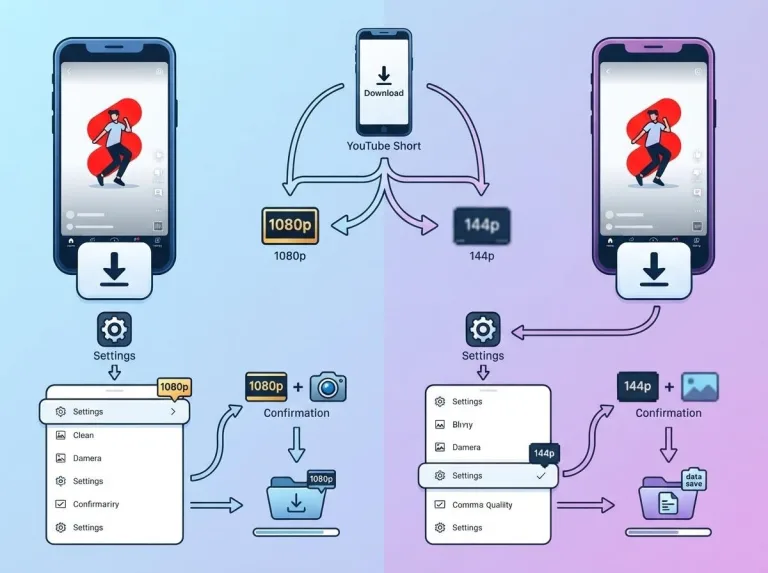
YouTube is the largest video library in the world, and it is also the platform where quality options matter most. With our YouTube downloader you can save regular videos and Shorts in MP4 from 144p all the way up to 4K when the uploader provided it. Full HD 1080p is the sweet spot for laptops and TVs, while 720p keeps files small on phones.
The same tool converts any video to MP3, which is perfect for podcasts, lectures and music you are allowed to keep. And if you only need the cover image, the thumbnail option gives you the original HD JPG. For thumbnails specifically there is also a dedicated YouTube thumbnail downloader that shows every size at once.
Tip: links in the format youtube.com/watch?v=, youtu.be/ and youtube.com/shorts/ are all supported. Private, members-only and live videos cannot be downloaded.
Instagram: Reels, posts, Stories and profile pictures
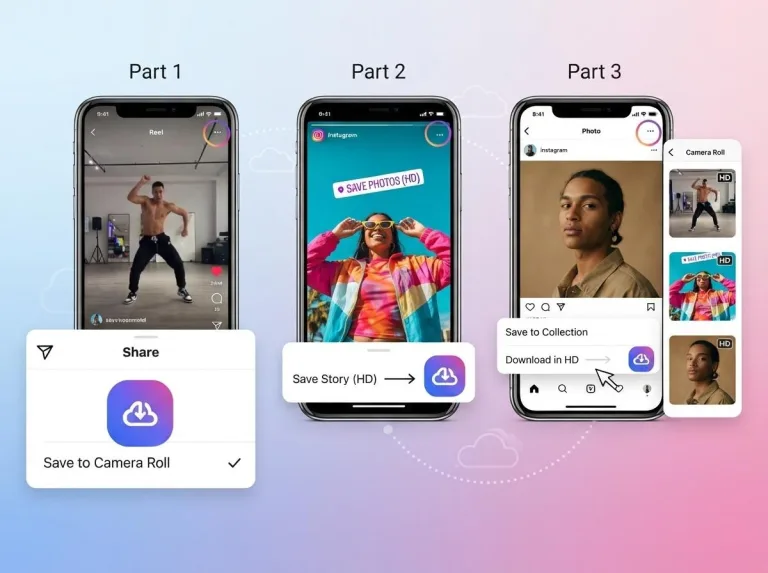
Instagram mixes several formats, and our Instagram downloader handles all of them: Reels in HD MP4, single photos and multi-image carousels, Stories and Highlights, IGTV videos and even full-size profile pictures that the app normally shows only as a tiny circle. Carousels can be downloaded one by one or all together.
Only public content can be saved. If an account is private, the downloader cannot see it, which protects the privacy of users. For a deeper walkthrough read our guide on saving Instagram Reels, Stories and photos in HD.
TikTok: videos without a watermark
The built-in TikTok save button adds a bouncing logo and the username to every video. Our TikTok downloader fetches the original upload instead, so you get a clean HD MP4 without the watermark. You can also extract the sound as MP3, which is handy when a trending audio is stuck in your head, and download photo slideshows as individual images.
X (Twitter): videos and GIFs
X does not offer any download button at all. Paste a post link into the Twitter video downloader and you will see every available resolution, usually from 360p up to 1080p. Animated GIFs on X are actually short MP4 videos, so they download as MP4 too, which keeps them sharp and small.
Facebook: videos, Reels, Stories and photos
Our Facebook video downloader saves public videos, Reels and Watch videos in HD or SD, and it can also grab photos from public posts and Stories. Share links (fb.watch and facebook.com/share/) work as well as full URLs.
Choosing the right format and quality
Picking the right option saves storage space and avoids disappointment later. Use this quick reference:
| Goal | Best choice | Why |
|---|---|---|
| Watch on a TV or large monitor | MP4 1080p or 4K | Maximum sharpness on big screens |
| Watch on a phone | MP4 720p | Looks great on small screens, about half the size of 1080p |
| Share on WhatsApp | MP4 480p or 720p | Stays under messaging size limits |
| Music or podcasts | MP3 192 or 320 kbps | Audio only, plays on every device |
| Cover art or thumbnails | JPG (original size) | Highest resolution image available |
Remember that a downloader can never add quality that was not uploaded. If a video was posted in 720p, choosing 1080p elsewhere would only upscale it. We always show you the real qualities available for each link.
How to download on iPhone, Android and PC
iPhone and iPad
Open Safari (or any browser), paste the link into the downloader and tap Download. Safari asks whether you want to download the file; confirm and it is saved to the Files app > Downloads folder. To move a video to the Photos app, open it in Files, tap the share icon and choose Save Video.
Android
Chrome, Samsung Internet and Firefox all save files to the Download folder. Most gallery apps pick up new videos automatically within a few seconds. If you do not see the file, open the Files or My Files app and look under Downloads.
Windows, Mac and Linux
On a computer the file goes to your browser's default download folder. You can change that location in the browser settings if you want videos to land directly in your Videos or Music folder.
Beyond downloading: free tools that help
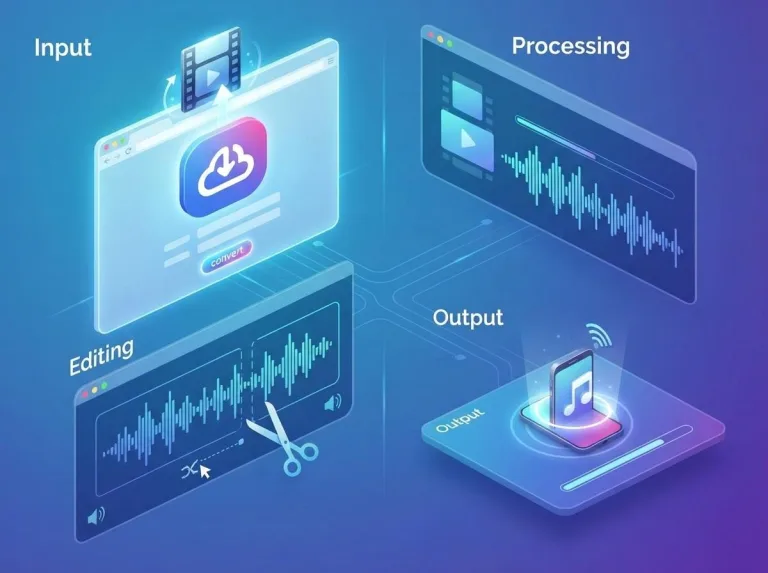
Once you have a file, you often need to do something with it. Our free media tools run entirely in your browser, so your files never leave your device:
- Video to MP3 Converter: turn any video file on your device into an MP3.
- Audio Cutter & Ringtone Maker: trim songs and create ringtones.
- Video Frame Grabber: export any frame of a video as a high-quality image.
- Image Converter & Compressor: switch between JPG, PNG and WebP and shrink file sizes.
- Social Media Image Resizer: crop images to the perfect size for every network.
Troubleshooting common problems
"This link is not supported"
Make sure you copied the full link to a single video or post, not to a profile page, search result or playlist. Remove any extra text that the app may have added before the link.
"Video is private or unavailable"
Private accounts, age-restricted videos, members-only content and some live streams cannot be accessed by any downloader. Check that the video plays in a private browser window without logging in.
The download starts but stops halfway
Large 4K files can take a while to prepare. Keep the page open, stay on a stable connection and try a lower quality if the problem continues.
The video has no sound
Some players cannot read modern audio codecs. Try VLC or your phone's default video player, or choose a different quality option, which often uses a different audio track.
Is it safe and legal?
Safety: our downloaders do not require an account, do not ask for your social media password and do not install anything on your device. Files are streamed directly to you and are not stored on our servers. Be careful with downloader apps that ask for your login or show aggressive pop-ups; those are common sources of malware.
Legality: laws differ from country to country, but the general rule is simple. Downloading your own content, public domain or Creative Commons videos, or videos you have permission to save is fine. Re-uploading someone else's work or using it commercially without permission is not. When in doubt, ask the creator and always give credit.
Final thoughts
Downloading social media videos does not need to be complicated. Copy the link, paste it, pick a format and you are done, whether the video comes from YouTube, Instagram, TikTok, X or Facebook. Bookmark this site so the right tool is always one tap away, and explore our free media tools when you need to convert, cut or resize what you saved.