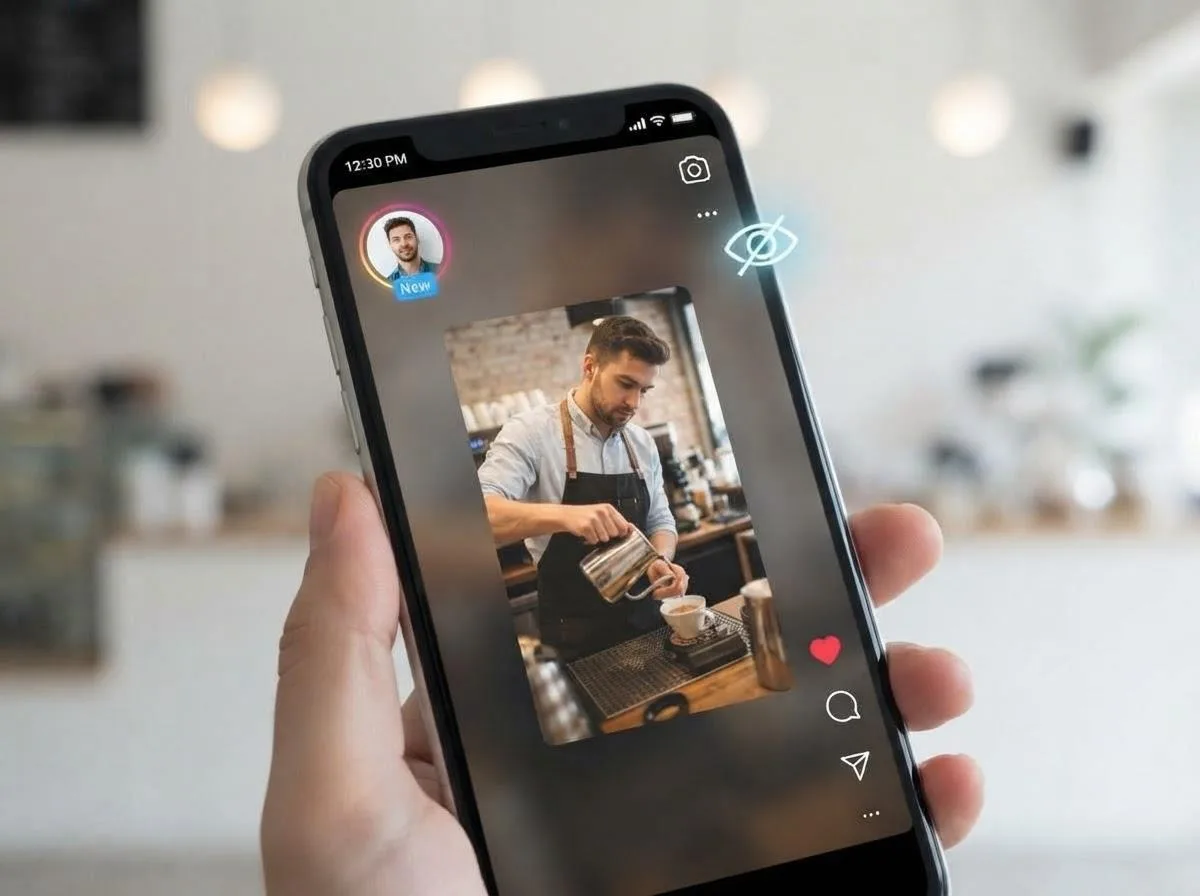
Every time you open someone's Instagram story, your name goes on a list. The person who posted it can see exactly who watched, in order, for as long as the list is available. Most of the time that does not matter. Sometimes it does: you want to keep a story from a brand you are researching, a recipe from someone you do not follow, or a post from an old acquaintance without it looking like you are keeping tabs on them.
This guide explains what Instagram actually records when you watch a story, which of the popular "anonymous viewing" tricks hold up and which do not, and how to save a story or highlight without your account ever opening it. It also covers what is not possible, so you do not waste time on private accounts or expired stories.
In this guide
- What Instagram records when you watch a story
- Popular anonymous viewing tricks, tested against how Instagram works
- Why a story download is anonymous
- How to save an Instagram story anonymously
- Finding the story link
- Saving highlights
- What you get: photos, videos and formats
- What is not possible
- Anonymous is not the same as anything goes
- Frequently asked questions
What Instagram Records When You Watch a Story
A story view is tied to the account that loads it. The moment the first frame of a story opens in your app or browser while you are logged in, your username is added to that story's viewer list. A few details are worth knowing:
- The viewer list outlives the story. A story disappears from the feed after 24 hours, but the person who posted it can keep checking who viewed it for a while after that through their story archive.
- Order is not random. The list is not shown in plain chronological order, so you cannot count on being buried at the bottom of a long list.
- Screenshots are not reported. Instagram does not notify people when someone screenshots or screen records their story. It does notify for disappearing photos and videos sent in direct messages, which is a different feature.
- Logged-out viewing is limited. Instagram asks you to log in before it shows stories in a browser, so simply logging out is not a reliable way to watch.
In short, the only way to keep your name off the list is for your account never to load the story.
Popular Anonymous Viewing Tricks, Tested Against How Instagram Works
Search for this topic and you will find the same few tricks repeated everywhere. Here is how they hold up:
| Method | How it is supposed to work | Does it keep you anonymous? |
|---|---|---|
| Airplane mode | Let stories preload, switch on airplane mode, then watch | Unreliable. The view can be recorded once your phone goes back online, and preloading only covers the first part of a story. |
| The "half swipe" | Open the previous account's story, then slowly drag toward the next one without letting go | Sort of. You see a frozen first frame of the next story, but you cannot watch a video, read later slides or save anything. |
| A second account | Watch from a separate account the person does not recognise | No. That account still appears in the viewer list, and on a private profile it would have to be accepted as a follower first. |
| Screenshot or screen recording | Capture the story while watching it | No. You are not reported for the screenshot, but you already appeared in the viewer list by opening the story. |
| Downloading from the story link | Paste the link into a downloader instead of opening it in your account | Yes, for public accounts. Your account never loads the story, so it never reaches the viewer list. |
The pattern is simple: anything you do inside your logged-in Instagram session leaves a trace. The only method that stays anonymous is the one that keeps your account out of it entirely.
Why a Story Download Is Anonymous
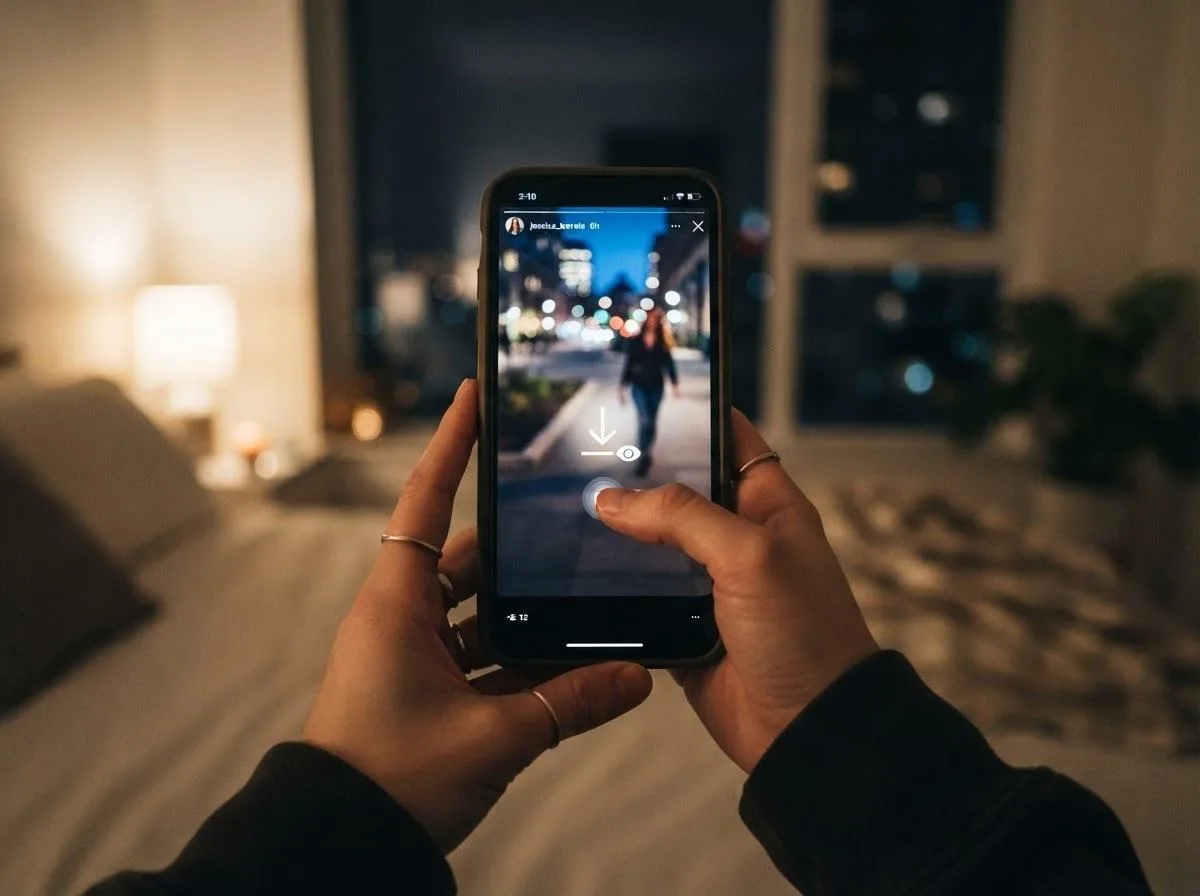
When you paste a story link into an online downloader, the downloader fetches the public story itself. Your Instagram account is not involved at any point: you do not log in, you do not grant access, and the story is never opened in your app. Because no account of yours loads the story, there is nothing to add to the viewer list.
This also means a downloader should never ask for your Instagram password. If a site wants you to log in with Instagram to view or save stories, close it. Apart from the security risk, logging in would tie the request to your account and defeat the purpose.
How to Save an Instagram Story Anonymously
The steps work the same on iPhone, Android, Windows and Mac:
- Get the story link without opening the story in your account (see the next section).
- Open our Instagram downloader in any browser and paste the link.
- Choose the photo or video you want and download it to your device.
No app, no extension and no Instagram login are needed. If you switch between Instagram, TikTok and YouTube links a lot, you can also paste the link on our free online downloader home page, which works out the platform on its own.
Finding the Story Link
This is the step people get wrong most often, because the obvious way to copy a story link is to open the story, which puts you on the viewer list.
Story links have a standard format
An Instagram story link looks like instagram.com/stories/username/ followed by a long number for the individual story. Links to highlights look like instagram.com/stories/highlights/ followed by a number.
Ask for the link instead of copying it
If a friend or colleague has already seen the story, they can tap the three dots or the share icon on the story and choose Copy link, then send it to you. Opening that link in a downloader does not count as a view from your account.
Links shared in messages
A story link sent through WhatsApp, Messenger or email works as is, as long as you paste it into the downloader rather than tapping it on a phone with Instagram installed. Tapping it would open the story in the Instagram app and record a view. On a phone, press and hold the link and choose Copy.
Your own stories
For your own stories there is nothing to hide, so you can open the story, tap the three dots and choose Copy link or simply use Instagram's own Save option.
Saving Highlights
Highlights are stories the account owner has pinned to their profile, so they stay visible after the usual 24 hours. That makes them the easiest stories to save: there is no time pressure, and the link stays the same for as long as the highlight exists.
Paste a highlight link into the downloader the same way as a regular story. A highlight usually contains several stories, so you will see each photo or video listed separately and can save just the ones you need.
What You Get: Photos, Videos and Formats
| Story type | File you get | Notes |
|---|---|---|
| Photo story | Image file | Stickers, text and drawings the poster added are part of the image. |
| Video story | MP4 video with sound | Music added with Instagram's music sticker is included in the audio. |
| Highlight | One file per story in the highlight | Save them one by one or all of them. |
Interactive elements such as polls, question boxes and quiz stickers are saved as they look in the picture, but they no longer work. You will see the poll, not the results.
If you need a story image in another format, for example PNG for editing or WebP to save space, the image converter changes it in your browser without uploading the file anywhere.
Want to save posts, Reels or carousel photos too? Our guide to saving Instagram Reels, Stories and photos covers the other content types.
What Is Not Possible
- Stories from private accounts. Only public stories can be downloaded. A private account's stories are visible only to approved followers, and no legitimate tool can get around that. Sites that claim to show private stories are either fake or after your login details.
- Expired stories. Once a story's 24 hours are up and it has not been added to a highlight, it is gone from public view. Only the owner can still see it in their archive.
- Close Friends stories. Stories shared only with a Close Friends list are private by design and cannot be downloaded.
- Stories from accounts that blocked you. Technically a public story is still public, but if someone has blocked you, they have made it clear they do not want you watching. Respect that.
A quick way to check whether a story is public: open the account's profile in a private browser window. If Instagram shows the profile as private, its stories cannot be saved.
Anonymous Is Not the Same as Anything Goes
Saving a story without appearing on the viewer list is useful for plenty of ordinary reasons: keeping a recipe, saving a brand's announcement for research, archiving a public figure's statement before it disappears, or simply not wanting your name on an ex's list.
It is not a reason to monitor someone who would not want you to, or to repost their content. A story is still the creator's work. Keep what you save for yourself, and if you want to share it, share the account instead of the file. Our downloader only works with public content for exactly this reason.
Frequently Asked Questions
Can someone see that I downloaded their Instagram story?
No. When you save a story with a downloader, your account never opens the story, so your name does not appear in the viewer list and Instagram has nothing to notify them about.
Does Instagram notify people when you screenshot a story?
No. Instagram does not send notifications for story screenshots or screen recordings. Keep in mind that opening the story to take the screenshot still adds you to the viewer list.
Does airplane mode hide my story views?
Not reliably. The view can be recorded when your phone reconnects, and airplane mode only works for whatever was preloaded before you switched it on.
Can I save stories from a private account anonymously?
No. Private stories are only visible to approved followers. Any site that claims otherwise is not trustworthy, especially if it asks for your Instagram login.
Do I need an Instagram account to save stories?
No. You only need the story link. You do not have to log in, install an app or create an account.
Can I save a story after 24 hours?
Only if it was added to a highlight. Regular stories disappear from public view after 24 hours and can no longer be downloaded.
Is the Instagram story downloader free?
Yes. It is free to use, with no sign-up and nothing to install.
The viewer list only records accounts that open a story, so the reliable way to stay off it is to keep your account out of the process. Get the story or highlight link, paste it into the Instagram downloader, and save the photo or video directly. It works for public stories within their 24 hours and for highlights at any time, and it never needs your password.