You found a Short you want to keep, so you screen-recorded it. The result is soft, a little choppy, and has your battery icon stuck in the corner. There is a cleaner way. If you want to download YouTube Shorts in HD, at the same resolution the creator uploaded, all you need is the video link and a browser. This guide walks through the process on a phone and on a computer using downloaders.co, explains which quality option to pick, how much space each one takes, and covers the one thing no tool can change: the quality of the original upload.
In this guide
- What HD actually means for a YouTube Short
- Shorts vs regular YouTube videos
- How to download YouTube Shorts in HD
- Getting the best possible quality
- Screen recording vs downloading
- How much space a downloaded Short takes
- Finding the file after you download it
- Other things you can save from a Short
- If you make Shorts yourself
- Why a Short might not download
- Frequently asked questions
What HD Actually Means for a YouTube Short
Shorts are vertical videos in a 9:16 frame, so the numbers look a bit different from a regular widescreen video. A "1080p" Short is 1080 pixels wide and 1920 pixels tall. That is full HD, and it is what most phones record and upload by default.
Here is a quick reference for the options you are likely to see:
| Quality | Vertical resolution | Best for |
| 1080p | 1080 × 1920 | Sharpest picture, watching on a tablet or monitor, keeping an archive copy |
| 720p | 720 × 1280 | Phone viewing with a smaller file |
| 480p | 480 × 854 | Saving storage or mobile data |
| 360p and lower | 360 × 640 and below | Quick previews when size matters more than detail |
Some creators upload Shorts at a higher resolution than 1080p. When that happens, the higher options appear in the list as well. Our YouTube downloader supports everything from 4K down to 144p, but it can only offer what YouTube actually has for that video.
Shorts vs Regular YouTube Videos
Under the hood, a Short is an ordinary YouTube video with a different shape and a different player. That has a few practical consequences when you want to save one.
Same video, two addresses. A Short link looks like youtube.com/shorts/abc123. If you swap shorts/ for watch?v=, the same clip opens in the normal YouTube player, with the usual quality menu and a seek bar. This is handy on a computer when you want to check which resolutions are available before you download. Our downloader accepts both forms of the link, so you do not need to convert anything.
Length is capped. Shorts can run up to three minutes. Most are far shorter, which keeps the files small even at 1080p.
The frame is tall, not wide. A vertical 1080p file looks perfect on a phone. On a laptop it plays with black bars on both sides, which is normal and not a sign that something went wrong with the download.
How to Download YouTube Shorts in HD
The steps are the same on Android, iPhone, Windows and Mac. There is nothing to install and you do not need an account.
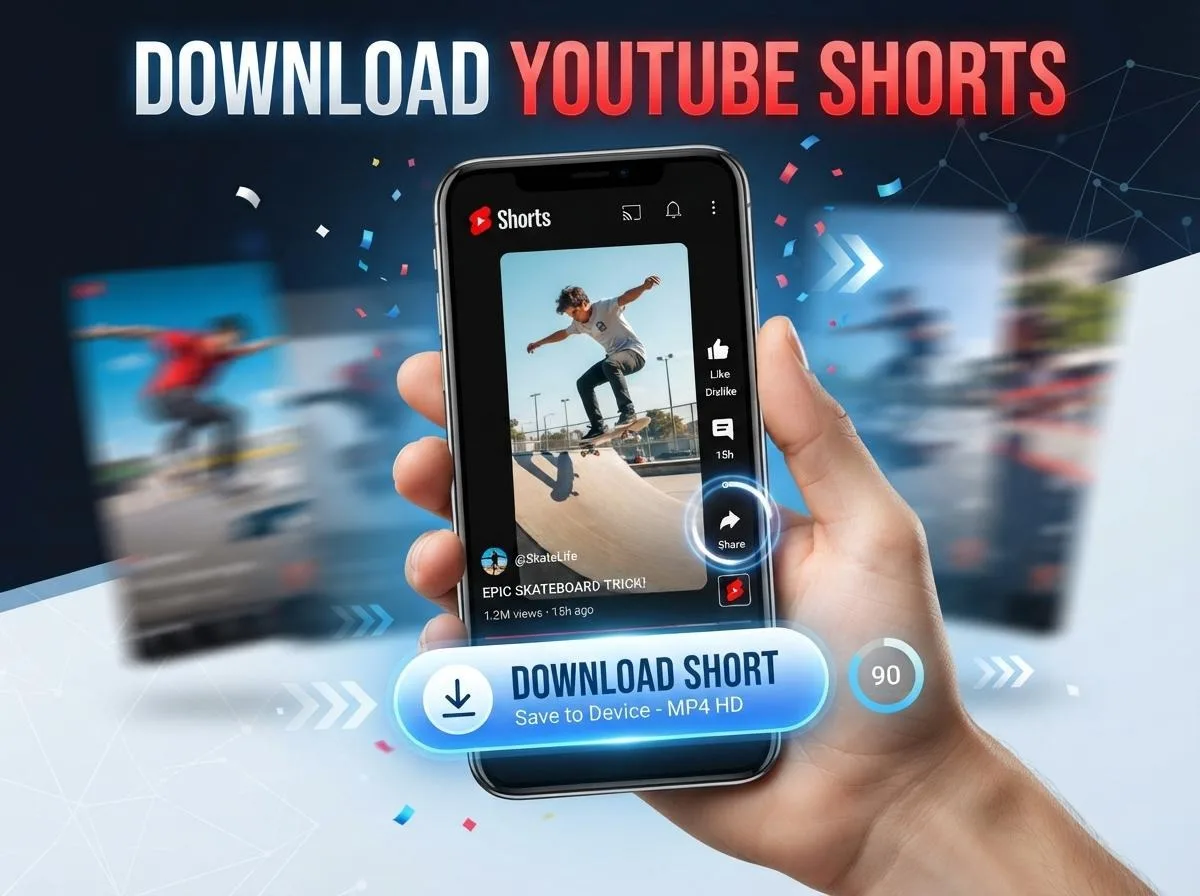
- Copy the link to the Short. In the YouTube app, open the Short, tap Share and choose Copy link. On a computer, copy the address from the browser bar. It will look like youtube.com/shorts/ followed by a short code.
- Open the downloader. Go to our YouTube Shorts and video downloader in any browser.
- Paste the link. Paste it into the box and start the search. The site recognizes on its own that the link is a Short, so you do not have to pick a category first.
- Choose the highest quality. Pick 1080p, or the top option in the list if the Short was uploaded in higher resolution.
- Save the file. Tap or click the download button. The MP4 saves straight to your device.
On a phone, it helps to keep the downloader open in a browser tab. When you find another Short you like, copy its link in the YouTube app, switch to the tab, paste and save. It takes a few seconds per video once you have done it a couple of times.
Getting the Best Possible Quality
The steps above take less than a minute. A few details decide whether the file you end up with actually looks good.
The upload sets the ceiling : If a creator filmed in 1080p, that is the best version that exists. If they uploaded a 720p clip, or re-uploaded a compressed video from another app, there is no 1080p copy to download. Any tool claiming to "upscale" it is just stretching the same pixels. When 720p is the top option in the list, that is simply the highest quality the Short has.
Download instead of screen recording : Screen recording captures what your display shows, which means interface elements, notifications and a frame rate that depends on how busy your phone is. Downloading gives you the actual video file, with the original frame rate and audio and nothing on top of it.
Pick the quality on purpose : It is tempting to always grab the biggest file. For a Short you will watch once more on your phone, 720p looks almost identical on a small screen and takes up less space. Choose 1080p when you plan to watch on a larger screen, keep the video long term, or pull a still image from it later.
Freshly uploaded Shorts can look worse at first : YouTube processes the low resolutions of a new upload first and adds HD a little later. If a Short went up a few minutes ago and only shows 360p or 480p, wait a while and try the link again.
Screen Recording vs Downloading
Screen recording is the method most people try first, because it is built into every phone. Here is how it compares with saving the actual file:
| Feature | Screen recording | Downloading the Short |
| Picture quality | Re-compressed copy of your screen | The file YouTube serves, up to the original resolution |
| On-screen clutter | Like button, captions, notifications, status bar | None, just the video |
| Audio | Can pick up system sounds or be muted by settings | The original audio track |
| Start and end | You have to trim it yourself | Starts and ends exactly where the Short does |
| Time | As long as the video, plus trimming | A few seconds |
The only time screen recording makes sense is when you want to capture something that is not part of the video itself, such as a comment thread next to it.
How Much Space a Downloaded Short Takes
File size depends on resolution, length and how much is happening on screen. A talking head in front of a plain wall compresses far better than a fast-cut gaming clip. As a rough guide, this is what to expect for one minute of video:
| Format | Approximate size per minute |
| 1080p video | 15–25 MB |
| 720p video | 8–12 MB |
| 480p video | 4–6 MB |
| 360p video | 2–4 MB |
| MP3 at 320 kbps | About 2.4 MB |
| MP3 at 128 kbps | About 1 MB |
Even a large collection of HD Shorts takes up less space than you might expect. A hundred one-minute Shorts at 1080p land somewhere around 2 GB. If you are on mobile data, 720p is a sensible middle ground.
Finding the File After You Download It
This is where most people get stuck, especially on a phone.
- Android: the video usually lands in the Downloads folder. Open the Files app or check your browser's download list. Most gallery apps pick it up after a moment.
- iPhone and iPad: Safari saves downloads to the Files app, in the Downloads folder. Open the video there, tap the share icon and choose Save Video to move it into Photos.
- Windows and Mac: check your default Downloads folder, or click the download icon in your browser's toolbar.
If you save Shorts often, give them a clear name right after downloading, or move them into one folder. Downloaded files tend to keep the video's title or a long code, and after a few weeks it gets hard to tell them apart.
Other Things You Can Save From a Short
Sometimes you do not need the whole video. A few of our free browser tools cover the common cases, and none of them upload your files anywhere.
- Just the sound: a lot of Shorts are worth saving for the audio alone. The YouTube downloader can give you an MP3 at up to 320 kbps, or you can run a saved video through the video to MP3 converter. To trim a clip into a ringtone, use the audio cutter and ringtone maker.
- The cover image: the YouTube thumbnail downloader pulls the thumbnail in HD.
- A single moment: the video frame grabber lets you scrub through a downloaded clip and save one frame as an image. This is where a 1080p download really pays off.
You can find all of them on our free tools page. If you are new to all this and want the short version, our basic guide to downloading YouTube Shorts covers the essentials. Short vertical videos are not limited to YouTube either: our guide on downloading TikTok videos without watermark covers TikTok, and the guide to downloading videos from any social media platform covers Instagram, X and Facebook.
If You Make Shorts Yourself
Downloading is not only for other people's videos. Creators often want a copy of their own Shorts, for example to keep a backup or to post the same clip on Instagram Reels or TikTok, which use the same 9:16 shape.
Keep one thing in mind: a downloaded Short is the version YouTube re-encoded after you uploaded it. If you still have the original file from your phone or editing app, that will always look a little better. The downloaded copy is the right choice when the original is lost, or when you only need it for a quick repost.
The frame grabber is also useful here. Pull a sharp still from your own 1080p Short and you have a starting point for a thumbnail or a post image.
Why a Short Might Not Download
Most problems come down to one of a few causes:
- It is not a public video. Only publicly available content can be downloaded. Private videos, or Shorts the creator has removed, will not work.
- The link is wrong. A channel link or a link to the Shorts feed is not the same as a link to one Short. Open the specific video first, then copy its link.
- Part of the link was cut off. If you copied from a message or a note, check that the full address came through. Copying again straight from the YouTube app usually fixes it.
A Note on Using Downloaded Shorts Downloading a Short to watch offline or keep for yourself is one thing. Uploading it to your own channel or another platform is another. Shorts belong to the people who made them, so keep your downloads for personal use and give credit to creators when you share their work by linking to the original. Our terms of service go into more detail.
Frequently Asked Questions
Is it free, and do I need to sign up?
Yes, it is free, and there is no registration. You do not need to install an app or a browser extension either. Everything happens on the website.
Can I download YouTube Shorts in 4K?
Only if the creator uploaded the Short in 4K. The downloader lists the resolutions YouTube has for that video, from 4K down to 144p. Most Shorts top out at 1080p, which is full HD for a vertical video.
Does this work on an iPhone?
Yes. Open the site in Safari or any other browser, paste the link and download. The video goes to the Files app first, and from there you can save it to Photos.
Do you keep copies of the videos I download?
No. Files are not stored on our servers.
Can I save only the audio from a Short?
Yes. Choose the MP3 option in the YouTube downloader to get the audio at up to 320 kbps, which is the highest MP3 quality available.
Why does my downloaded Short have black bars on my computer?
Because the video is vertical and your screen is wide. The file itself is fine; it fills the screen when you play it on a phone held upright.
Is it legal to download YouTube Shorts?
It depends on where you live and what you do with the file. YouTube's own terms limit downloading, and re-uploading someone else's Short without permission can infringe their copyright. Saving your own Shorts, or ones you have permission to keep, is the safest use.
Getting a sharp copy of a Short is mostly about skipping the screen recorder. Copy the link, paste it into the downloader, pick 1080p or the highest option listed, and you have the same file the creator uploaded. If the top choice is lower than you hoped, that is the original upload talking, not the tool.