Photos on X save with one tap. Videos do not. Press and hold on a clip and nothing useful happens, and a screen recording leaves you with the reply bar, the like counter and a softer picture than the original. The video file itself is there on X's servers the whole time; the app just does not hand it to you. Below is why X works this way, what the file you can save actually looks like, and how to get it into your iPhone camera roll or Android gallery without losing quality. If you only want the file right now, our Twitter video downloader does it in a few seconds.
In this guide
- Why X doesn't let you save videos
- What you are actually saving: how X stores videos
- How to save an X video
- Getting the video into your iPhone Photos
- Finding the video on Android
- iPhone vs Android: where your video ends up
- Copying the right link
- Which quality to keep on a phone
- When an X video won't save
- Saving videos responsibly
- Frequently asked questions
Why X Doesn't Let You Save Videos
For most accounts, the X app has no save option for videos posted by other people. X has added downloads for some paying subscribers, but creators can switch them off for their own posts, so even subscribers often find the option missing.
X has never explained this in detail, but the effect is easy to see. A video watched inside the app counts toward its view number and stays tied to the original post and its creator. A file sitting in your gallery does neither, which is also why creators get a switch to turn downloads off.
So most people fall back on screen recording. It works, but the result is a copy of your screen rather than a copy of the video: interface elements and notifications get baked into the picture, the start and end need trimming, and the clip is compressed a second time on its way into your camera roll. On a phone it looks acceptable. On a laptop or TV it looks soft.
What You Are Actually Saving: How X Stores Videos
When a video is uploaded, X does not keep a single copy. It converts it into several MP4 versions at different sizes, plus a streaming format the app uses to switch quality on the fly when your connection changes. A typical post ends up with something like this:
| Version | Typical resolution | What X uses it for |
| Small | Around 480 × 270 or 640 × 360 | Slow connections and data saver mode |
| Medium | Around 1280 × 720 | Most phone playback |
| Large | Up to 1920 × 1080 | Full screen on fast connections, only if the upload was HD |
Vertical videos get the same treatment with the numbers flipped, so a clip shot on a phone might be 720 × 1280. Two things follow from this. When you save the file instead of recording your screen, you can choose between these versions. And the largest one is the ceiling: if someone posted a 720p clip, there is no 1080p copy hiding anywhere.
GIFs are a special case. X turns every GIF into a short, silent MP4 that loops. That is why your phone refuses to save one like an image, and why a "GIF" saved from X arrives as a small video file with no sound.
How to Save an X Video
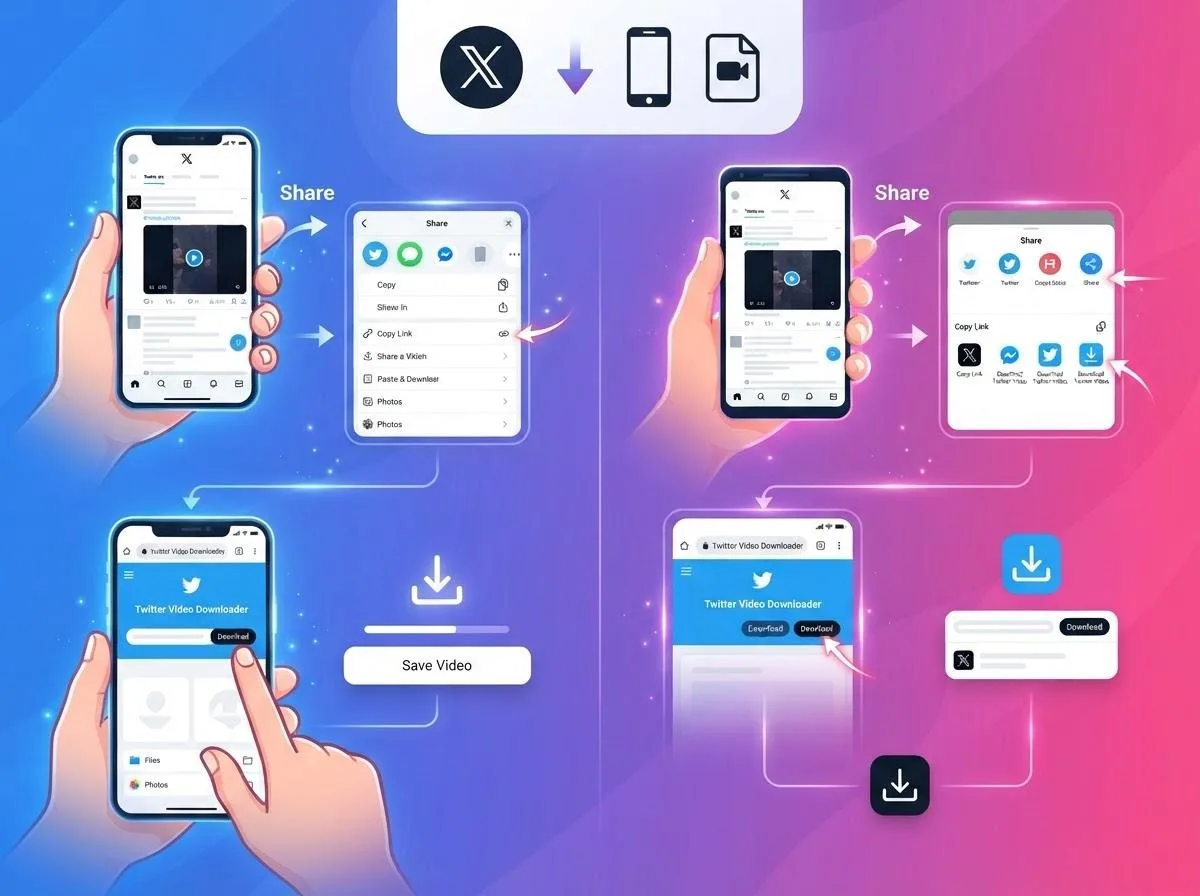
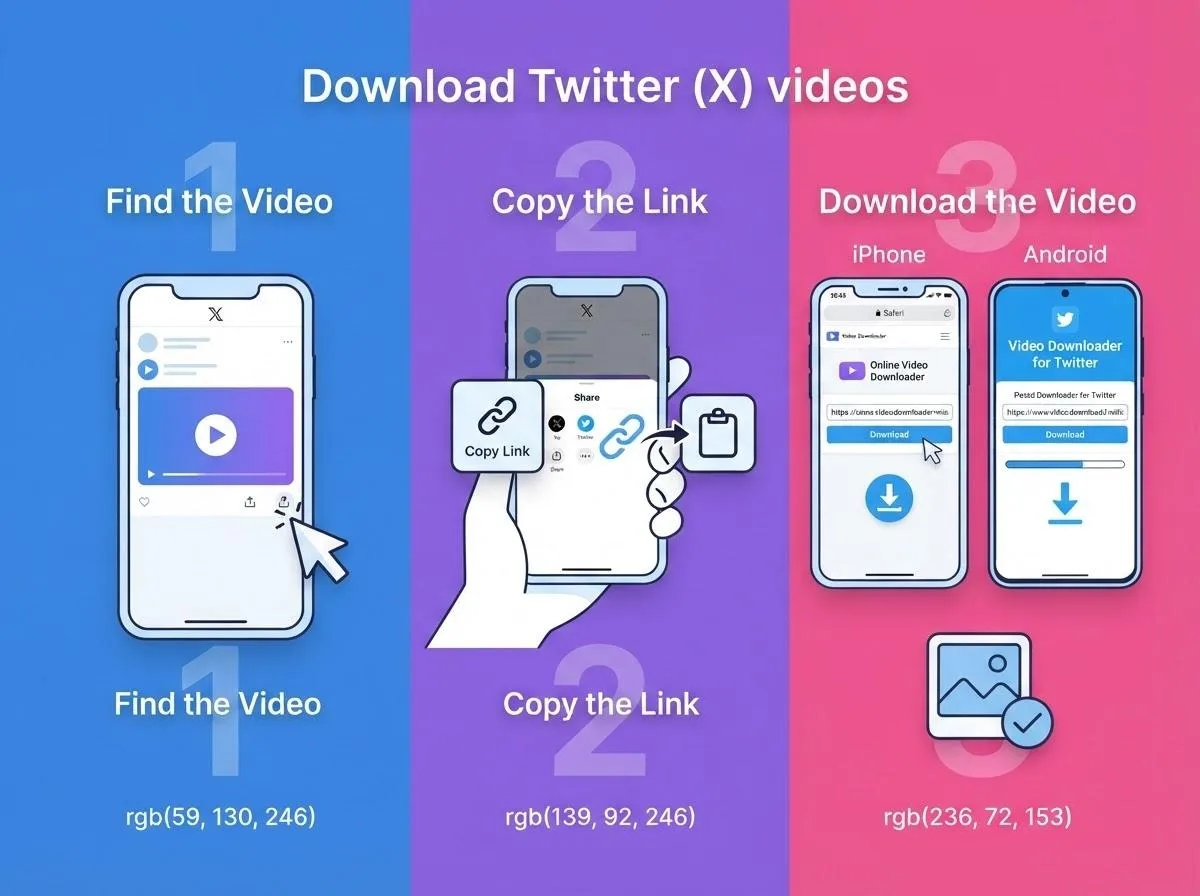
The steps are the same on iPhone and Android, and there is no app to install:
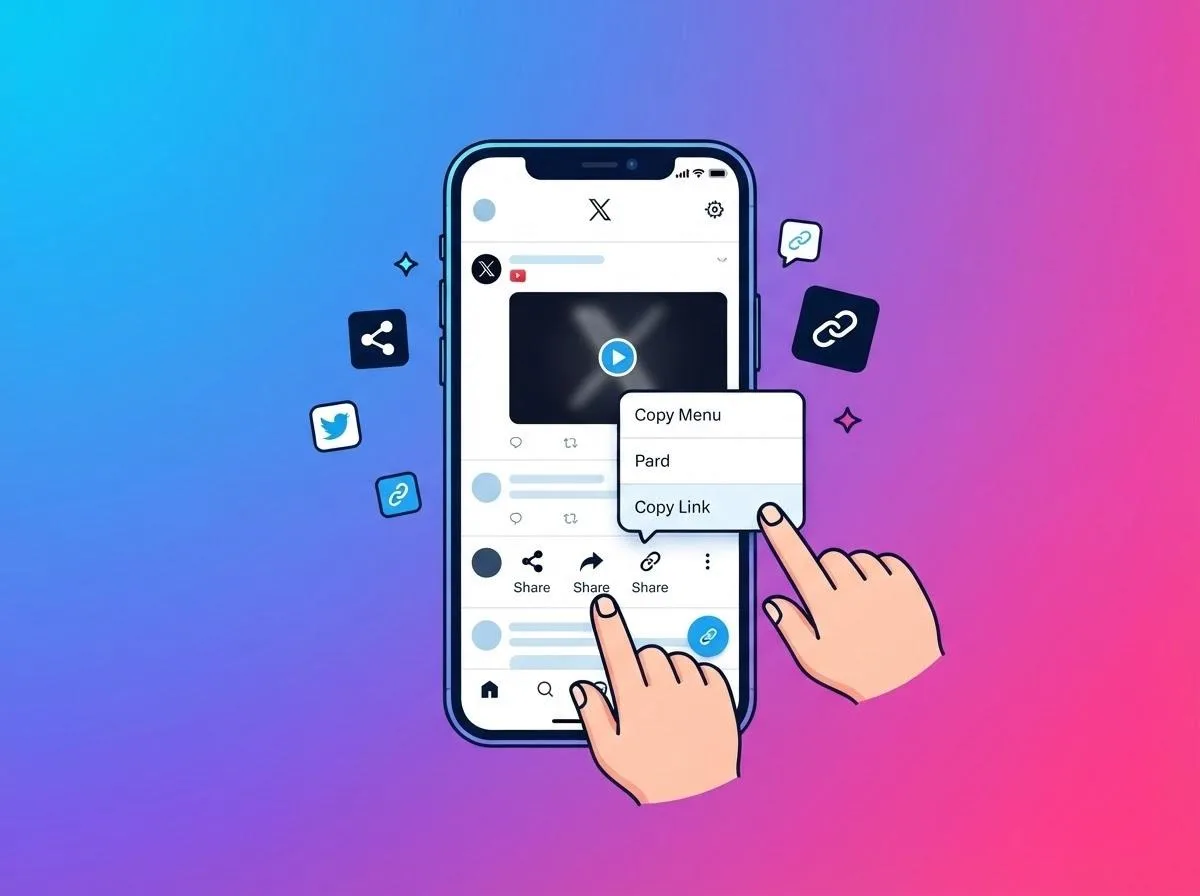
- In the X app, open the post, tap Share and choose Copy link.
- Open the X video downloader in Safari or Chrome and paste the link.
- Pick a quality and tap download.
That part takes seconds. What people actually get stuck on comes after it: the video is not in Photos, the gallery does not show it, the link does not work, or the file looks worse than expected. The rest of this guide covers those.
Getting the Video Into Your iPhone Photos
This is the most common question by far. Safari never saves a download straight to the camera roll. It puts the file in the Files app first, in the Downloads folder. To move it, open Files, go to Downloads, tap the video, tap the share icon and choose Save Video. From then on it is in Photos like any other clip.
Change where Safari saves files
By default Safari uses the Downloads folder in iCloud Drive. If your iCloud storage is full, or you want files to stay on the phone, open Settings, find Safari (on newer iOS versions it sits under Apps), tap Downloads and choose On My iPhone.
When Safari plays the video instead of saving it
Sometimes Safari opens the video in a player. Nothing went wrong. Tap the share icon in the player and choose Save Video, which sends it straight to Photos.
Finding a download you just started
While Safari is downloading, a small arrow appears next to the address bar. Tap it to see recent downloads and open any of them directly, which is quicker than going through the Files app.
Finding the Video on Android
Android is simpler, because Chrome saves files to a Download folder that gallery apps already watch. Most of the time the video simply appears in your gallery after a moment. When it does not, it is usually one of these.
Not showing up in Google Photos
Google Photos only shows device folders it has found. Open the app, go to Collections or Library, look under On this device and open Download. You can turn on backup for that folder there, so saved clips also end up in your Google Photos account.
Samsung phones
Samsung Gallery shows downloaded videos in an album called Download. If you cannot find it, open the My Files app and tap Downloads or Videos; the file is there even if the gallery has not refreshed yet.
The phone asks where to save
Some phones ask for a location the first time you download something. Pick Downloads, or a folder you will remember, and Chrome reuses it. If you want saved clips in their own album, create a folder such as "X videos" in your Files app and move them into it now and then.
iPhone vs Android: Where Your Video Ends Up
| Feature | iPhone (Safari) | Android (Chrome) |
| Where the file goes first | Files app, Downloads folder | Download folder on the phone |
| Shows up in the gallery | Only after you tap Save Video | Automatically, after a moment |
| Cloud backup | iCloud Photos, once it is in Photos | Google Photos, if backup is on for the Download folder |
| Change the save location | Settings, Safari, Downloads | Chrome settings, Downloads |
On both phones, saved files often get a long string of numbers as their name. If you keep clips regularly, rename them right away or collect them in one album, so you can still find a video a few weeks later.
Copying the Right Link
When a save fails, the link is a more likely culprit than the video.
x.com and twitter.com links both work
Posts are shared with either address, for example x.com/username/status/ followed by a long number. Both point to the same post. A working link always contains /status/.
Quote posts and replies
If someone quotes a post that contains a video, the video belongs to the original post. Tap through to the original and copy that link. The same goes for a reply that shows a video from earlier in the thread.
Video cards from other sites
Some posts only show a preview of a video hosted elsewhere, most often YouTube. That video is not stored on X, so open it and use our YouTube downloader with the YouTube link instead.
On a computer
On x.com, click the date or time under a post to open it on its own page; the address bar then shows the link you need. The free online video downloader on our home page also accepts X links and detects the platform on its own.
Which Quality to Keep on a Phone
Because X stores several versions, you get a choice. The highest option is the best version that exists; which one to keep depends on where you will watch it:
| Quality | Typical use |
| 1080p | Watching on a tablet, laptop or TV, keeping a long-term copy |
| 720p | Everyday phone viewing, a good balance of clarity and size |
| 480p and lower | Saving storage or mobile data, sending in a chat app |
If storage is tight, 720p is the sweet spot. On a phone screen it looks practically the same as 1080p and takes noticeably less space, and on mobile data it downloads faster. Vertical clips keep their shape, so they fill your phone screen and show black bars on a computer.
GIFs
Since GIFs on X are short MP4 files, choose the GIF option in the downloader and you get exactly that file. It looks the same as in the timeline and is much smaller than a real GIF would be. If you only need one frame, for example as a reaction image, open the saved clip in our video frame grabber and save that moment as a picture.
Just the audio
Speeches, interview clips and live performances are often worth keeping for the sound alone. The downloader has an MP3 option with bitrates from 320 to 64 kbps, and if you already saved the video, our video to MP3 converter pulls the audio out in your browser.
When an X Video Won't Save
Match what you see with the likely cause:
| What happens | Likely cause | What to do |
| "Video not found" right away | The account is protected, or the post was deleted | Only public posts can be saved. Ask the person to send you the file. |
| Error even though the video plays in X | You copied a quote post, a profile or a search page | Open the original post and copy its link from the Share menu. |
| The video came from a direct message | DMs are private, not public posts | There is no public link to save from. |
| Saved, but not in Photos | Safari put it in the Files app | Files, Downloads, share icon, Save Video. |
| Saved, but no sound | It was a GIF | Normal. GIFs on X never have audio. |
| Download stops halfway | Weak connection or a nearly full phone | Free up space or pick a lower quality. |
| Looks low quality | A lower version was picked, or the upload itself was low quality | Choose the top option. If you did, that is the best that exists. |
A quick test for the first row: open the link in a private browser tab while logged out of X. If you cannot watch the video there, it is not public, and no website will be able to save it.
Saving Videos Responsibly
Keeping a video to watch later, use as a reference or show a friend offline is one thing. Re-posting it as if it were yours is another. Videos belong to the people who filmed them, so keep what you save for personal use, and when you want to share a clip, share the original post so the creator gets the credit and the views. Our terms of service and DMCA page explain the rules in more detail.
For other apps, see our guide to saving videos from any social media platform, or read why TikToks have a watermark and how to save a clean copy.
Frequently Asked Questions
Why can't I save videos from X?
The app only offers a save option to some subscribers, and creators can switch it off. For everyone else, the way to keep the original file is to save it through a browser using the post link.
Why isn't the saved video in my iPhone Photos?
Safari puts downloads in the Files app first. Open Files, go to Downloads, tap the video, then the share icon, and choose Save Video.
Where do saved X videos go on Android?
Into the Download folder. Most gallery apps show them in a Download album; in Google Photos, look under On this device.
Is a saved video better than a screen recording?
Yes. You get the file X itself plays, at the quality you choose, without interface elements or a second round of compression.
Why does my saved GIF have no sound?
GIFs on X are silent looping videos. There is no audio track to save.
Can I save X Spaces the same way?
No. This works for videos and GIFs in posts. Spaces are live audio rooms and are not supported.
X keeps the video file out of reach on purpose, but it is never far away. Copy the post link, save the file through your browser, and on iPhone move it from Files to Photos. Choose the version that suits your screen, and when you want to share a clip, send people to the original post.